

6 min read
When a device fails, the fastest route is finding the same one. All that takes is reading the part number correctly. The code carries the product family, the rating, the pole count and the variant. This article explains the code structure of the three manufacturers we meet most often on site.
Where to find the code
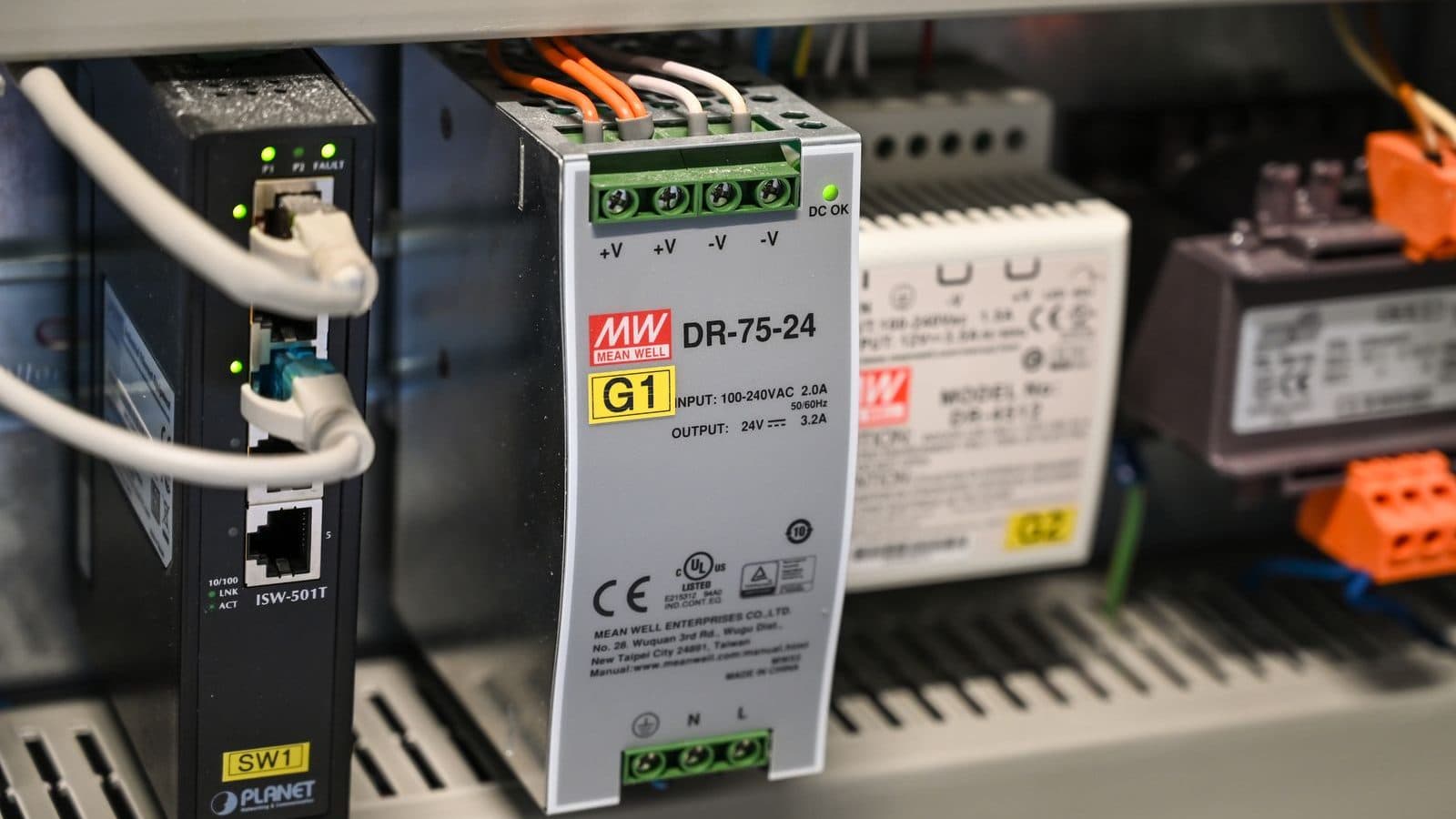
- MCBs and RCDs — on the front face, next to the rating.
- Contactors and motor protection switches — on the side of the body or on the coil label.
- Drives — under the front cover or on the side label; motor power and input voltage are on the same label.
- PLCs and modules — on the top surface; modules also carry an order code and hardware version.
- Sensors — on the body near the cable exit; being small, it is often unreadable in a photo and needs a close-up.
Schneider Electric codes
Schneider codes usually begin with the product family. Codes starting A9F… are Acti9 MCBs, LC1D… are TeSys contactors, GV2ME… are TeSys motor protection switches. In a contactor code such as LC1D09, the trailing number gives the AC-3 rating (9 A); the coil voltage appears as a separate suffix.
Siemens codes
Siemens order numbers (MLFB) are blocks separated by dashes. 3RT… are SIRIUS contactors, 3RV… motor protection switches, 5SL… MCBs. On an MCB starting 5SL6, the 6 indicates the breaking-capacity class; the following letter is the trip curve (B, C, D) and the number the rating. Because the code is long, sending a photo is the safest route.
Omron codes
Omron codes lead with the family: E3Z photoelectric sensors, E2E inductive sensors, G2R relays, MX2 drives, CP2E and NX/NJ controllers. On sensors, the rest of the code states the sensing type, the output type (PNP/NPN) and the cable length, so two sensors from the same family can look identical yet have different outputs.
What to do when the code is unreadable
If the label is worn or oil-soaked, the device has to be identified by its characteristics rather than its code. Four pieces of information usually suffice: device type (contactor, MCB, relay), rated current or power, pole count and supply voltage. Add a photograph and the product family can almost always be identified.
Send a photo of the part number or the label over WhatsApp; we will come back the same business day with stock, price and, where needed, an equivalent. If the code is unreadable, a photo of the device is usually enough.
Frequently asked questions
Does a different production year of the same part number matter?
On most products it does not; manufacturers keep a code as long as form, fit and function are unchanged. But on software-based products such as PLCs and drives, the hardware version matters: loading an old project onto newer hardware can raise a compatibility issue. On those, send the version next to the code as well.
Same code but the product looks different — is that normal?
Manufacturers refresh body designs over time; as long as the code is unchanged, the electrical and mounting characteristics hold. If mounting dimensions change, the manufacturer issues a new code. If you need a spare that must fit an existing panel exactly, say so where dimensions are critical.
Which details on a drive label are critical?
Four: the part number, output power (kW), input voltage (single or three phase) and continuous output current. Two drives of the same kW may be built for different input voltages, and fitting a single-phase 230 V drive on a three-phase 400 V supply destroys it. A photo of the whole label is the safest route.
Which spares are worth stocking?
Items that would stop a critical line and have a long lead time. In practice the list comes out as: a drive for critical motors or at least a spare of the same frame, frequently switched contactors, the PLC I/O modules in use, one of each sensor on the line, and the power supply. That list can be drawn from the bill of materials in the handover file.