

7 min read
Some projects that arrive as "let's put in SCADA" are in fact solved by a good HMI; others start with an HMI and hit a wall within two years. Knowing the difference prevents both over-investment and under-investment.
| HMI | SCADA | |
|---|---|---|
| Scope | One machine or line section | Whole plant, several lines |
| Location | On the machine, in the field | Control room, office, remote |
| Users | Operators | Operators, maintenance, planning, management |
| Data retention | Limited (days) | Months to years in a database |
| Reporting | Basic, on screen | Shift, production, energy, OEE reports |
| Alarms | Live list | History, prioritisation, email/SMS |
When an HMI is enough
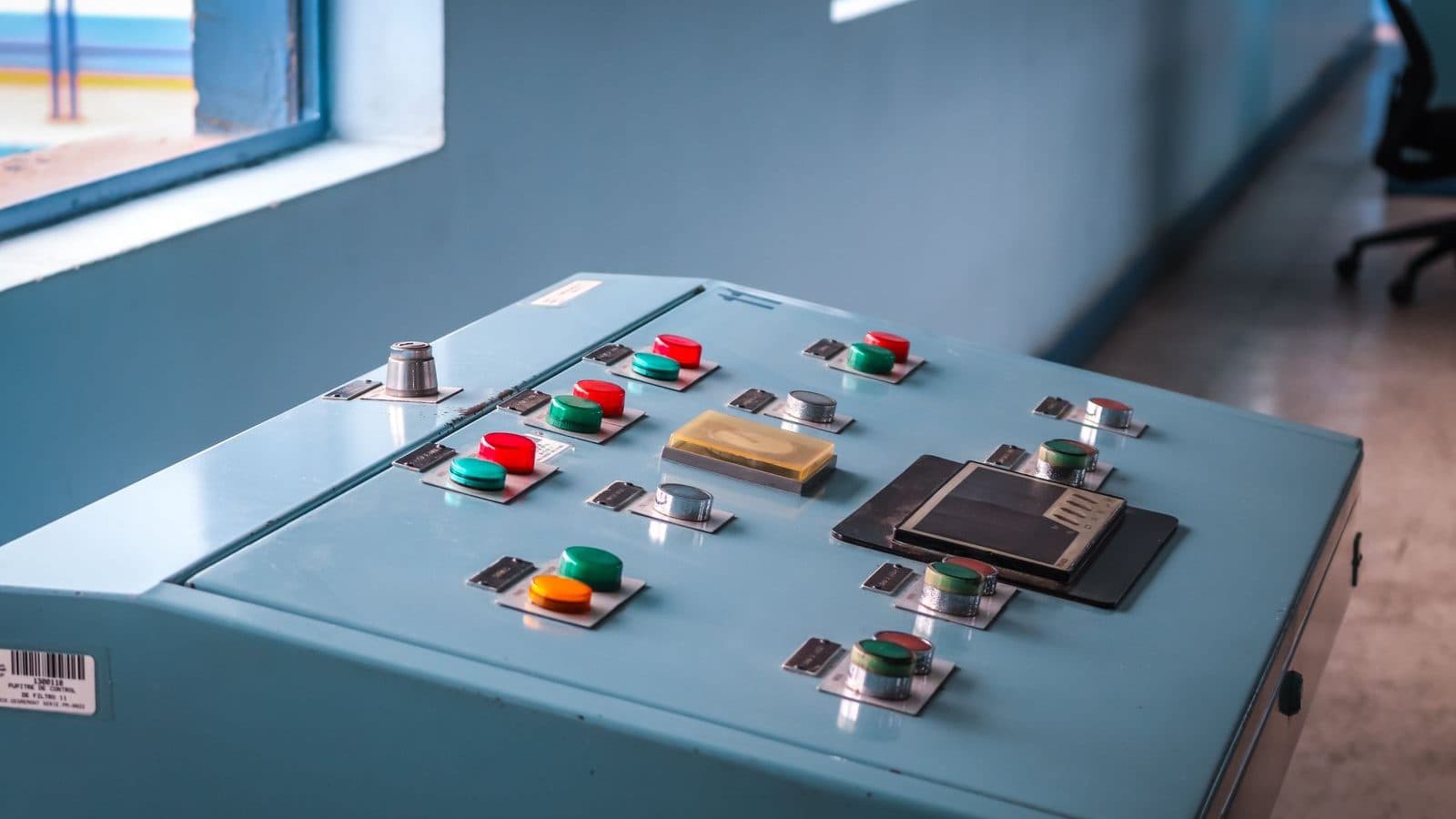
If the operator of a single machine can see everything needed on the panel on that machine, SCADA is unnecessary. Recipe selection, an alarm list, simple trends and user levels already exist in a modern HMI. In that case SCADA adds only licence and maintenance cost.
Four situations that call for SCADA
- Several machines must be watched on one screen — the state of the whole line seen from one place.
- Historical data is needed — someone must be able to answer "what was the temperature at 14:00 last Tuesday".
- Reports are required — shift output, downtime, energy consumption, OEE.
- Remote access is wanted — monitoring from the office or outside, with alarm notification.
Questions to answer before collecting data
Which variables will be logged, how often, and for how long will they be kept? Thirty variables logged every second means millions of rows a year. In most plants, one sample a minute is enough for temperature and pressure; only fast-changing quantities need more. This decision sets the database size and the server requirement directly.
The security side of remote access
Access to SCADA over the internet brings cyber security with it. A SCADA server exposed directly to the internet is a serious risk. The acceptable route is access through a VPN, a separate network segment and per-user authorisation. This is a conversation for the start of a project, not the end.
Tell us which question you are trying to answer and we will decide together whether an HMI or SCADA solves it. Whatever brand your existing PLC is, data can be read over its communication protocol.
Frequently asked questions
Does reading data from existing machines require changing the PLC?
Usually not. If the PLC has a communication port (Modbus RTU, Modbus TCP, Profinet), data can be read directly. Where there is none, two routes exist: add a communication module to the PLC, or take the critical signals in parallel to a separate data acquisition device. Both cost less than replacing the PLC.
How is a SCADA licence calculated?
Usually by tag count: every monitored variable is a tag. In some products the number of concurrent users also affects price. That is why drawing up the tag list at the start matters; upgrading a licence later costs more than buying the right tier at the outset.
What is needed to calculate OEE?
Three data points: the machine's run/stop state, the count produced and the count scrapped. Classifying downtime by reason (breakdown, changeover, waiting for material) is what makes the report useful. An OEE report without reason codes shows a percentage but does not tell you what to do.
Can we change the SCADA screens ourselves later?
Yes, if you hold the development licence. When we hand a project over we also provide the source files and the tag list, so you are not dependent on an outside party for small changes. If only a runtime licence was bought, changes are not possible — a distinction to settle at purchase.